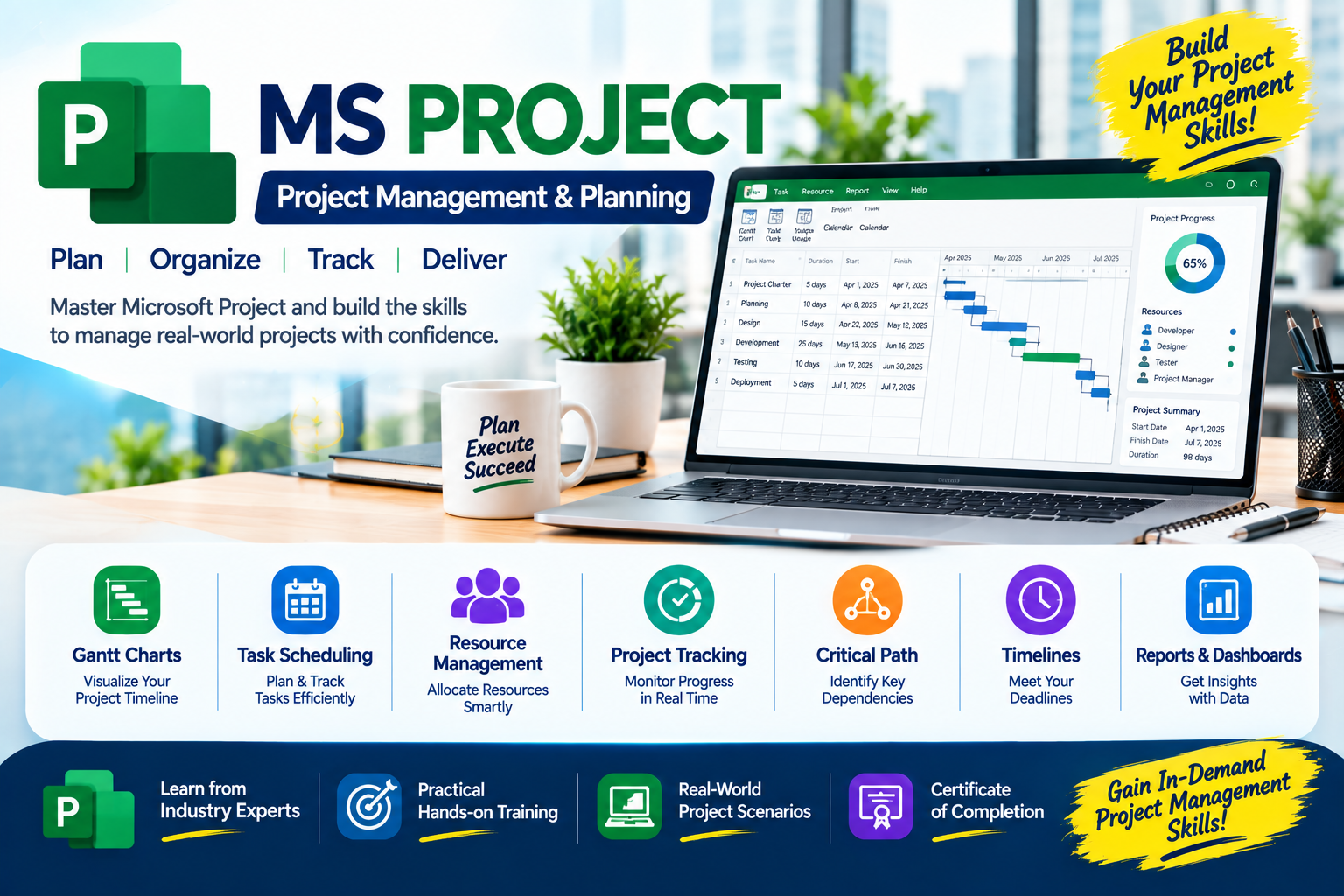
🎓 Microsoft MS Project & Generative AI Training Course
Master Microsoft MS Project with project scheduling, resource allocation, cost management,
baseline tracking, progress monitoring, and hands-on real-time project planning.
Master
Skills: Industry-relevant skills with hands-on training from top corporate
professionals.
Eligibility: Open to Any.
Expert
Trainers: Led by Mr. Umesh (12+ Yrs experience), successfully completing
25+
batches.
Program
Duration: Comprehensive 1 Months training schedule.
Lifetime
Access: Class Recorded Videos provided for lifetime review.
Doubt
Clarification: Support via Live Classes, and WhatsApp.
Career
Support: Resume Preparation, LinkedIn Profile Creation.
Certificates: Free Training Completion Certificate (Soft Copy)
provided.
One-on-One Demo: Get Personalized Training & Clarifications before
getting started.
Tools
& Technologies Covered
Introduction to Project ManagementGetting Started with Microsoft ProjectTask Relationships, Calendars and
SettingsScheduling, Outlining and MilestonesAssigning ConstraintsCustomizing Gantt Charts and PERT
ConceptsResource Management and CostsProject Utilities and Data ManagementBaseline ManagementUpdating and Tracking Project ProgressReports and ViewsAdvanced Topics
ChatGPT
Gemini
Copilot
Complete Course Syllabus
Introduction to a Project & Definition/Characteristics of a Project
Project Life Cycle & Introduction to Project Management
Objectives, Importance, Roles, and Responsibilities of a Project Manager
Project Management Process & Flowchart
Introduction to Microsoft Project and Its Uses
Introduction to the Interface, Views, Ribbons, Tables, and Toolbars
Creating a New Project & Recording Project Details
Setting Project Start Date, Properties, and Information
Creating Tasks in the Gantt Chart & Entering Durations/Dates
Saving and Managing Project Files
Predecessors, Successors, and Task Relationships (FS, SS, FF, SF)
Understanding Lead and Lag Time
Creating Project, Task, and Resource Calendars
Assigning Calendars to Projects and Resources
Setting Default Options and Project Preferences
Automatic and Manual Scheduling Basics
Task Duration, Working Time, Summary Tasks, and Subtasks
Outlining, Indenting, Expanding/Collapsing Phases, and Sorting Tasks
Creating and Managing Milestones
Understanding the Critical Path, Critical Tasks, and Schedule Delays
Creating/Modifying Bar Styles & Understanding Network Diagrams
Introduction to PERT Charts, Three-Point Estimation, and Optimistic/Most
Likely/Pessimistic Durations
Note: Microsoft Project provides Gantt Chart and Network
Diagram views. PERT analysis may require manual calculations or
additional tools depending on the version.
Introduction to Project Resources (Work, Material, Cost)
Resource Sheet Management, Adding/Editing, and Assigning to Tasks
Availability, Working Hours, Work, Units, and Duration
"SivaSoft Technologies offers a very practical approach to
Microsoft Project training. The sessions helped me understand
how to create project schedules, organize tasks, establish
dependencies, and monitor timelines using Gantt charts.
The step-by-step explanations made the software easier to
learn. A great learning experience for anyone interested
in project planning."
— Rahul
🎓 Microsoft Project – Professional Training Course
★★★★★
"I had a good learning experience with SivaSoft. The
Microsoft Project classes cover important topics such as
task relationships, resource allocation, project calendars,
and critical path analysis. The practical demonstrations
made it easier to understand how project schedules are
prepared and managed in real-world situations. The training
is well structured and useful for building professional
project management skills."
— Anusha
🎓 Microsoft Project – Professional Training Course
★★★★★
"The Microsoft Project course at SivaSoft helped me
understand project tracking in a more organized way.
I learned about setting baselines, updating task progress,
identifying delays, and comparing planned schedules with
actual performance. The explanations were clear, and the
practical exercises helped connect theory with software
usage. Recommended for professionals who want to improve
their project planning knowledge."
— Kiran
🎓 Microsoft Project – Professional Training Course
★★★★★
"SivaSoft provides a supportive learning environment with
a strong focus on practical knowledge. I found the topics
on resource management, project budgeting, cost estimation,
and report generation especially useful. The training
demonstrates how Microsoft Project can help organize
activities, manage deadlines, and review project progress.
It is a valuable course for students and working
professionals looking to develop planning skills."
— Priya
🎓 Microsoft Project – Professional Training Course
★★★★★
"I appreciate the structured Microsoft Project training
provided by SivaSoft Technologies. The course introduces
project scheduling and gradually covers advanced concepts
such as baselines, resource costs, performance reports,
and earned value analysis. Learning these features helped
me understand how project managers monitor schedules,
budgets, and progress. The course is a useful choice for
anyone looking to gain hands-on experience with project
management software."
— Naveen
🎓 Microsoft Project – Professional Training Course